

Overview
Aster Agents lets you bring your own model credentials. Connect API keys for OpenAI, Anthropic, Google Gemini, Azure OpenAI, xAI, or Fireworks AI, and your agents run on your own accounts.Only Organization Admins can connect, edit, or disconnect providers. Everyone else sees the Providers page as read-only. See Roles & Permissions.
Connecting a provider
- Go to Control Hub → Providers (
/control-hub/providers). - Click Connect on the provider’s card.
- Fill in the fields (see below).
- Click Save Connection. Aster checks the key with the provider before saving it, and stores it encrypted.
Providers hold the credentials. On the Models page (
/control-hub/models) you pick your organization’s default chat and embedding models, and manage Azure deployments.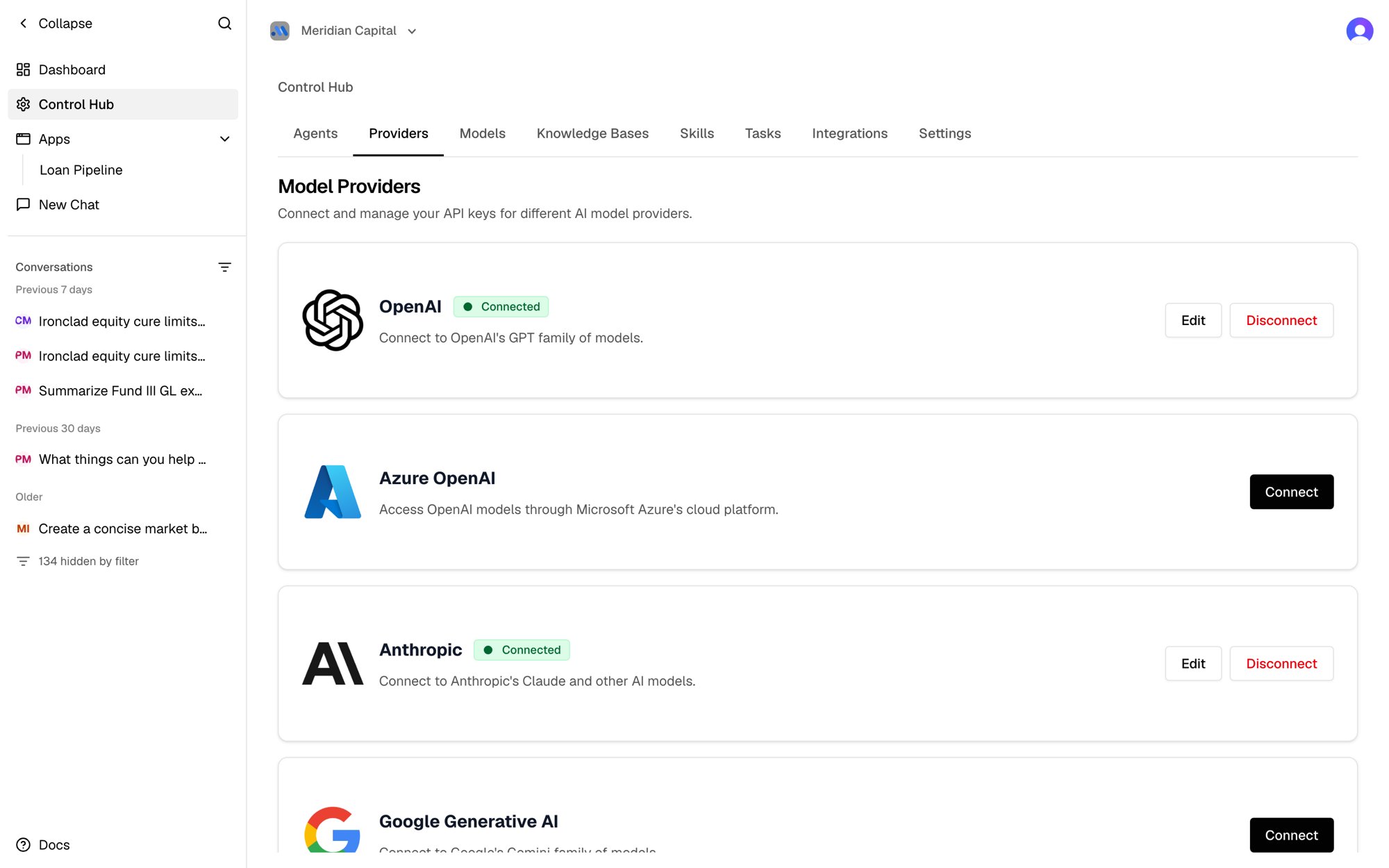
Supported fields
See Choosing a Model for the models each provider exposes.